Navgame tutorials
Step-by-step help for competitors, organisers and spectators.
Use these guides to enter an event, compete in Event Mode, use a Garmin watch, see results, build a course or watch teams on the live map. Participant steps are shown in the mobile app; course-building steps use the larger desktop workspace.
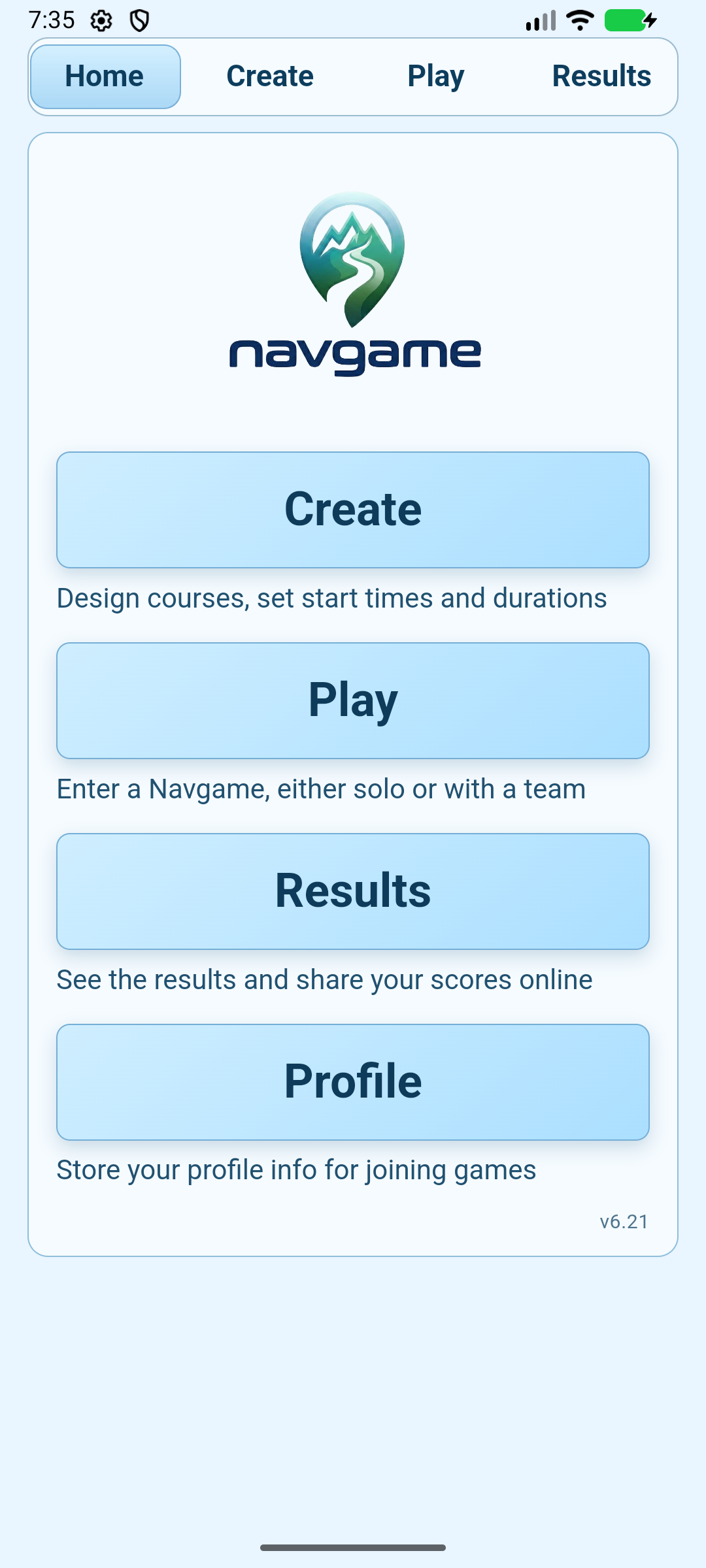
How to enter a Navgame
Find an event, create or join a team, complete your details and prepare the event for offline use.
How Event Mode works
Start and finish a standard Navgame, with separate instructions for fixed-start and start-anytime events.
How to use the Garmin watch app
Transfer a standard event to a Garmin watch, compete from the watch and import the result.
How to view results
Search for a completed event, filter the standings and open the replay map.
How to create a Navgame
Generate a quick course in seconds or design a complete Navgame from scratch.
How to follow live tracking
Follow selected teams, inspect scores and replay progress through the event.