How to follow live tracking
Watch team locations during an event and replay how the race unfolded.
1. Open live tracking
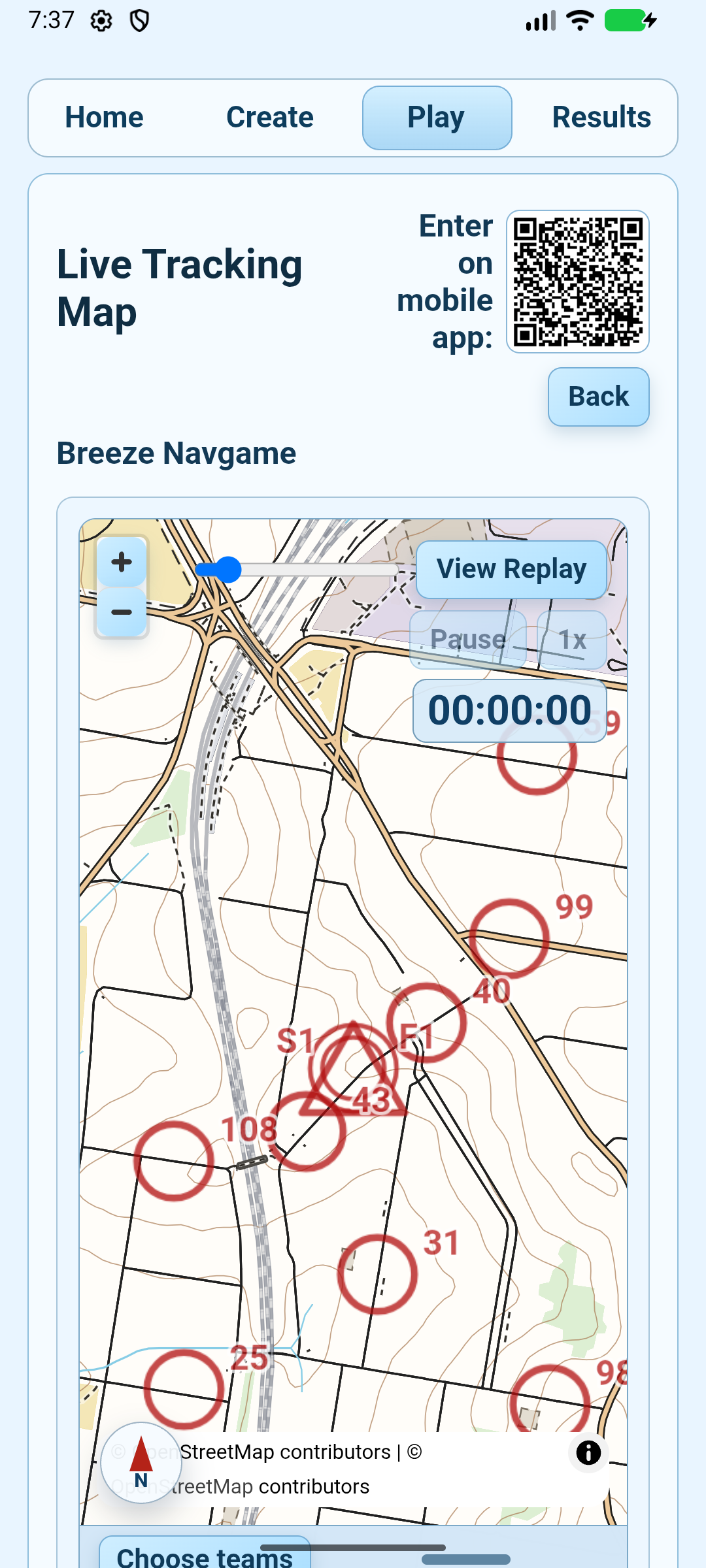
Open the live-tracking link shared by the organiser. You can also open Navgame, choose Play, find the event and tap Live Tracking when that option is available. Enter the live-tracking password if the organiser has enabled one.
2. Choose what to follow
- Tap Choose teams and select one or more teams, or use All Teams.
- Turn team names, competitor names or scores on and off to keep a busy map readable.
- Pan or zoom the map to inspect part of the course.
3. Use Live and Replay
Live view follows the latest uploaded positions. Tap View Replay to move through the event with the timeline. Use Pause/Resume and the speed button to control playback, then return to the latest position when you are finished.
No moving dots yet? The event may not have started, selected teams may not have uploaded a track sample, or mobile coverage may be delayed. Leave the page open and check again shortly.